
Many people wonder if they can add apps to a NordicTrack treadmill. This question is common because people want to make their workouts more fun and useful. In this article, we will explain how apps work on NordicTrack treadmills. We will also talk about what you can do to improve your exercise experience.
What Is a NordicTrack Treadmill?
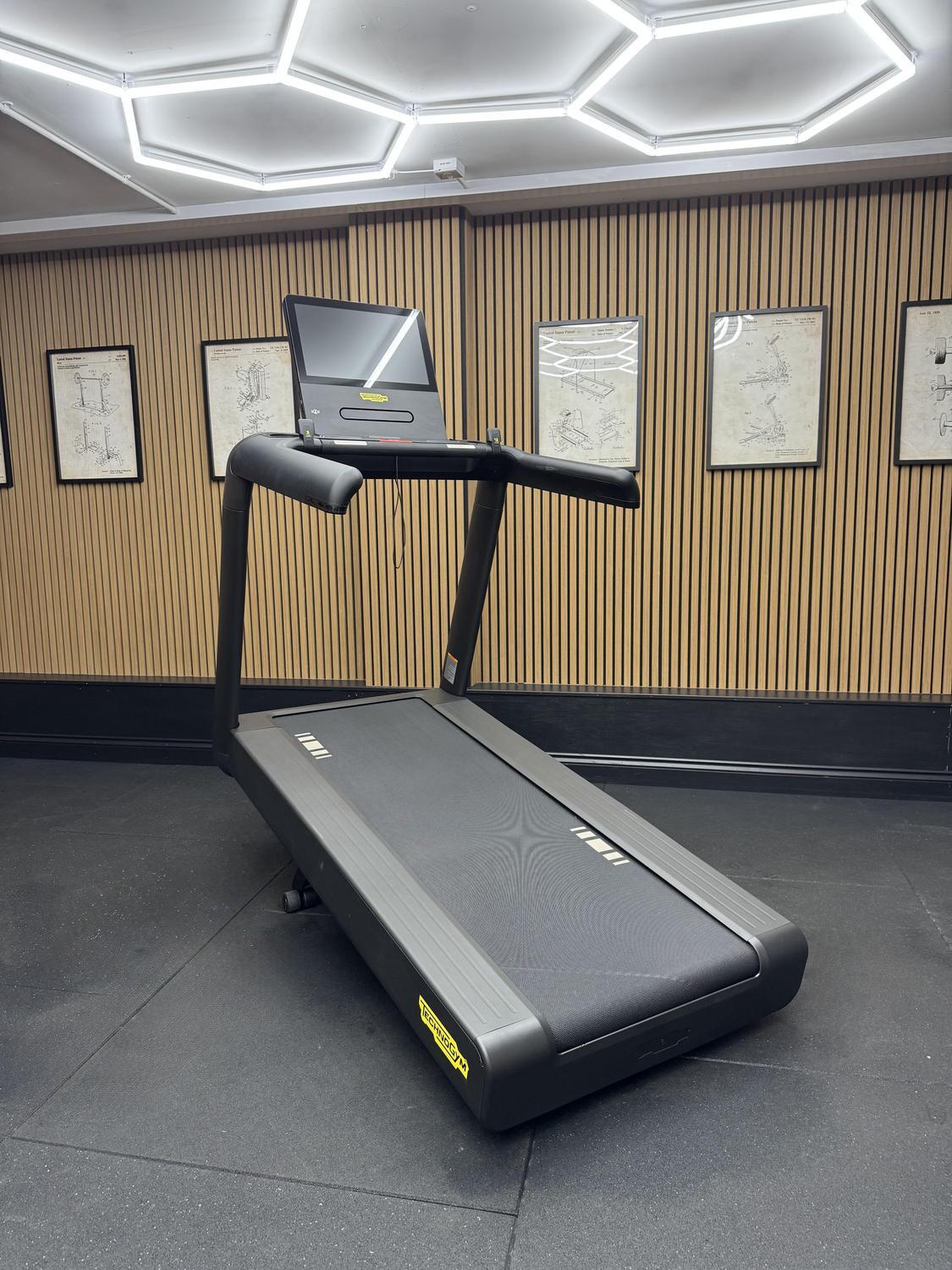
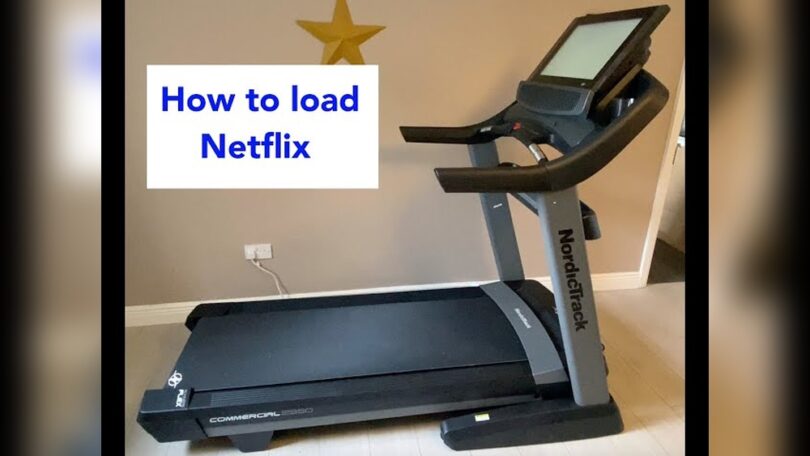
NordicTrack is a popular brand of treadmills. These machines help you walk, jog, or run inside your home. They often have screens where you can see your speed, distance, and time. Some models come with touchscreens and internet connection. This lets you watch videos or follow workouts.

Credit: www.youtube.com
Do NordicTrack Treadmills Have Apps?
Most modern NordicTrack treadmills come with built-in software. This software may include some apps already. For example, you may find apps for workout programs or tracking your fitness. But these apps come pre-installed. You cannot add new apps like on a smartphone.
Why is that? The treadmill’s screen is part of the machine. It runs special software made only for the treadmill. This means you cannot download apps from the Google Play Store or Apple App Store. The system is closed. It only runs what NordicTrack gives you.
What About iFit?
iFit is a popular fitness app that works with many NordicTrack machines. It offers guided workouts, maps, and videos. Many NordicTrack treadmills come ready to use iFit. But even then, you do not install iFit directly on the treadmill like regular apps.
Instead, the treadmill connects to iFit through its built-in software. You need an iFit membership to use it fully. Once connected, you can follow workouts, run virtual routes, and track your progress. This is the closest you get to adding an app.
Can You Add Other Apps to NordicTrack?
Unfortunately, no. NordicTrack treadmills do not allow adding other apps. You cannot install Spotify, YouTube, or third-party fitness apps directly. The system is locked to prevent this.
This keeps the treadmill safe and running well. It also means fewer problems with software updates. But it limits the apps you can use.
How to Use Apps with Your NordicTrack Treadmill
Even if you cannot add apps, you can still enjoy many features. Here are some ways to use apps with your treadmill:
- Use the built-in iFit app: Get a membership and try its workouts.
- Connect your phone or tablet: Use Bluetooth or audio jack to play music or videos.
- Watch videos on a separate device: Place a tablet or phone nearby to follow workout videos.
- Track workouts manually: Use fitness apps on your phone to record runs and steps.
These options help you enjoy your treadmill more. You get variety and motivation during exercise.

Credit: www.esseg.eu
Why NordicTrack Limits App Addition
Many people ask why NordicTrack does not let users add apps. Here are some reasons:
- Security: Limiting apps keeps the system safe from viruses.
- Performance: The treadmill runs smooth without extra apps slowing it down.
- Support: Easier for NordicTrack to help users with known software.
- Hardware limits: The treadmill’s computer is simple. It cannot run many apps like phones.
These reasons help make the treadmill easy to use and reliable.
What If You Want More Features?
If you want to use more apps, there are ways to do it outside the treadmill:
- Use a tablet holder: Put a tablet on your treadmill. Watch YouTube or fitness apps.
- Connect Bluetooth headphones: Listen to music or podcasts from your phone while you run.
- Use a fitness watch: Track your heart rate, steps, and calories on your wrist.
These tools can make your workout more fun and effective.
Summary Table: Apps and NordicTrack Treadmills
| Feature | Can You Add It? | Notes |
|---|---|---|
| iFit App | Pre-installed, not user-added | Needs subscription; integrated with treadmill |
| Third-party apps (Spotify, YouTube) | No | Cannot install on treadmill software |
| Using phone/tablet apps | Yes, but externally | Use separate device near treadmill |
| Fitness tracking apps | No, not on treadmill | Track manually on phone or watch |
Frequently Asked Questions
Can I Install Third-party Apps On Nordictrack Treadmill?
No, Nordictrack treadmills do not support installing third-party apps. They come with built-in software only.
Does Nordictrack Treadmill Have A Native App Store?
Nordictrack treadmills do not include an app store. Users must use preloaded apps and features.
Can I Connect My Phone To Nordictrack Treadmill Apps?
You can connect your phone via Bluetooth for music and workouts. Direct app integration is limited.
Is Ifit The Only App For Nordictrack Treadmill?
Yes, iFit is the primary app designed for Nordictrack devices. It offers guided workouts and tracking.
Conclusion
Can you add apps to a NordicTrack treadmill? The short answer is no. NordicTrack treadmills have fixed software. You cannot install new apps like on a phone or tablet.
However, you can still use the built-in iFit app if your treadmill has it. Also, you can use phones or tablets next to your treadmill. This way, you can watch videos and listen to music while working out.
Remember, these treadmills focus on fitness. They keep the software simple and safe. Using extra devices can help you enjoy workouts more. So, even without adding apps, you have good options.
We hope this article helps you understand how apps work with NordicTrack treadmills. Now, you can enjoy your workouts with the right tools.