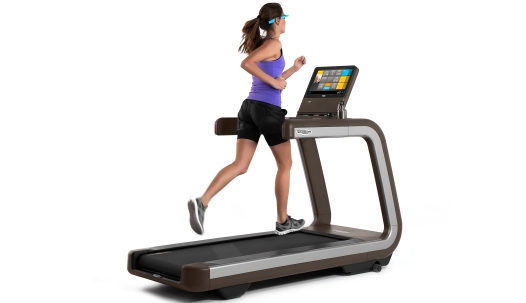
Many people use the iPhone Health app to track their daily steps. It is easy to see how much you walk each day. But what about walking on a treadmill? Can the Health app count steps when you walk or run on a treadmill? Let’s find out how it works.
What is the Health App on iPhone?
The Health app is a tool on your iPhone. It tracks your health and fitness information. It can count your steps, measure your heart rate, and record other activities. It uses the iPhone’s sensors to do this. The app shows your daily, weekly, and monthly progress.
You do not need to open the app all the time. It works in the background. When you carry your iPhone, it counts your steps automatically. This makes it easy to see how active you are.
How Does the iPhone Track Steps?
The iPhone uses sensors called accelerometers. These sensors detect movement. When you walk or run, your phone senses your steps. It counts each time you lift and place your foot down.
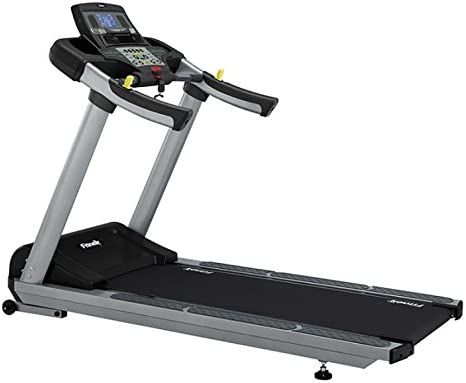
When you walk outside, the iPhone tracks your steps well. It also uses GPS to measure distance. But what about indoors? Especially when you use a treadmill? The GPS does not work well inside buildings.
Can the Health App Track Treadmill Steps?
Yes, the Health app can track steps on a treadmill. But it is not perfect. It depends on how you carry your iPhone while running or walking.
If you hold your iPhone in your hand or wear it in a pocket, the sensors can detect your movement. The Health app will count your steps. But if the phone is on a table or far away, it might not count steps.
Why? Because the iPhone needs to feel your body’s movement. The treadmill belt moves under your feet, but the phone does not move if it is still. So, the app may miss some steps.
How to Improve Step Counting on a Treadmill
Here are some tips to get better step counts on the treadmill:
- Keep your iPhone on your body. Use a pocket, arm band, or belt clip.
- Wear your iPhone close to your waist. This helps the sensors detect your steps.
- Hold your iPhone in your hand. This is less convenient but can improve accuracy.
- Walk naturally. Avoid very slow or small steps because the phone may not count them well.
Limitations of Step Tracking on a Treadmill
Even with good phone placement, there are limits. The Health app may not count all steps perfectly.
- Treadmills move your feet, but the phone stays still if not on your body.
- Some treadmill users hold the handrails, which reduces arm movement.
- The iPhone counts steps by sensing motion, so less arm or body movement means fewer steps recorded.
- Very fast running or very slow walking may confuse the sensor.
So, the Health app gives an estimate, not an exact count. It is still useful to see your activity level.
Credit: www.reddit.com
Using Other Devices to Track Treadmill Steps
You can use other devices to get better step counts on a treadmill. These include:
| Device | How it Helps | Works with iPhone Health App? |
|---|---|---|
| Apple Watch | Tracks arm and wrist movement closely. Counts steps well on treadmill. | Yes, syncs directly with Health app. |
| Fitness Bands (Fitbit, Garmin) | Monitors steps and heart rate. Some models have treadmill mode. | Can sync data to iPhone Health app. |
| Treadmill Built-in Tracker | Counts belt rotations to measure steps and distance. | Usually does not sync with iPhone Health app. |
Using a smartwatch or fitness band can give more accurate step counts on a treadmill. These devices attach to your wrist. They sense arm swings and body movement well.
How to Add Treadmill Workouts to the Health App
The Health app lets you add workouts manually. This is helpful if the step count is not accurate.
Here is how you can add treadmill workouts:
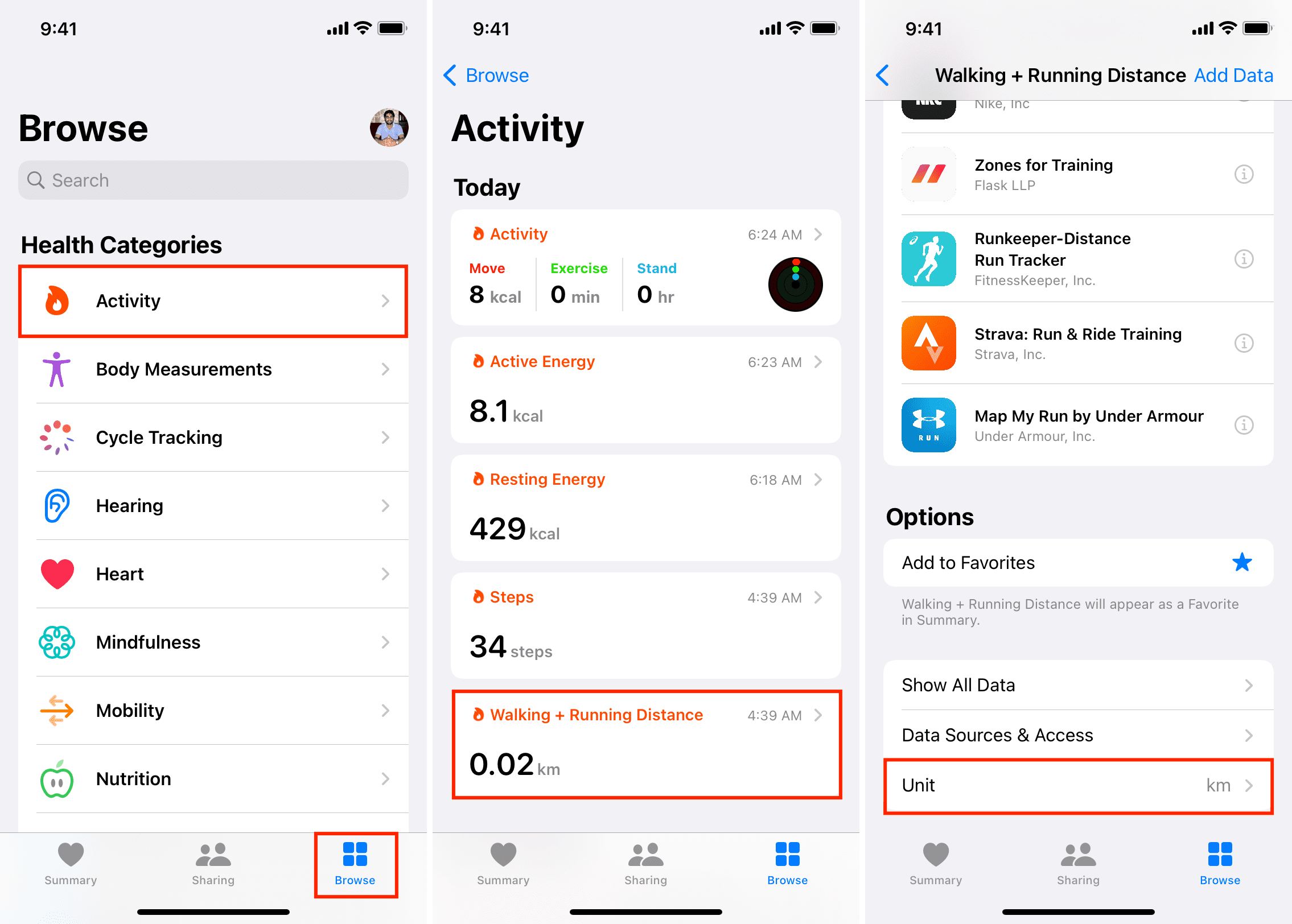
- Open the Health app on your iPhone.
- Go to the Browse tab.
- Select Activity or Workouts.
- Tap Add Data or the plus (+) button.
- Choose Workout Type, like treadmill run or walk.
- Enter duration, calories burned, and distance if you know them.
- Save the workout.
Adding workouts this way helps keep your activity record complete. It also helps you track progress over time.
Does the Health App Count Calories on a Treadmill?
The Health app can estimate calories burned. It uses your weight, age, and activity data.
When you walk on a treadmill, the app guesses calories burned from steps and distance. But it is only an estimate. The real calories burned depend on your speed and effort.
Using a fitness band or treadmill data can give better calorie estimates. Still, the Health app gives a simple view of your daily activity.
Why Track Steps on a Treadmill?
Tracking steps helps you stay active and healthy. It shows how much you move each day. This can motivate you to walk more.
Even indoors, counting steps matters. Many people use treadmills when weather is bad. Step tracking helps keep your exercise routine consistent.
It is easy to compare days or weeks. You can see if you meet your step goals. This helps build good habits.
Credit: www.liftingitalia.com
Summary: Can iPhone Health App Track Treadmill Steps?
| Question | Answer |
|---|---|
| Can iPhone Health app count treadmill steps? | Yes, if iPhone moves with your body. |
| Will it count steps if phone is still? | No, it needs movement to detect steps. |
| How to improve step counting? | Keep phone on your body, use pocket or armband. |
| Are steps on treadmill always accurate? | No, the count is an estimate. |
| Can other devices help? | Yes, smartwatches and fitness bands track better. |
Final Thoughts
The iPhone Health app can track steps on a treadmill. It works best when the phone moves with you. If you keep your phone in your pocket or on your body, the app can count most steps.
Remember, the app gives an estimate. It may miss some steps if the phone is still. Using a smartwatch or fitness band can improve tracking accuracy.
Tracking your steps helps you stay active every day. Whether outside or on a treadmill, moving more is good for your health.
So, yes, the Health app can help you track treadmill steps. Just carry your phone with you while exercising.
Frequently Asked Questions
Can Iphone Health App Count Treadmill Steps Accurately?
The Health app may not count treadmill steps well. It uses the phone’s motion sensors, which work best outside. For treadmill workouts, data might be less precise.
How Does Iphone Track Steps On A Treadmill?
IPhone tracks steps using its accelerometer and gyroscope. These sensors detect movement and vibrations. But treadmill walking has less arm swing, which can affect counts.
Can I Improve Step Tracking On Treadmill With Iphone?
Yes, carrying your iPhone firmly helps. Wearing it on your arm or in a tight pocket improves sensor accuracy. This way, the phone senses more movement.
Does Iphone Health App Track Calories From Treadmill Workouts?
The Health app estimates calories using steps and heart rate. Without a heart rate monitor, calorie count may be off. For best results, pair with an Apple Watch or fitness tracker.